How Fast Does Your Internet Need to Be for Modern CCTV & Smart Security Cameras
When we talk about internet speed, we usually focus on how fast we can download a movie or stream a 4K video. However, as properties become smarter and security systems become more advanced, the focus is rapidly shifting to a different metric: Upload Speed.
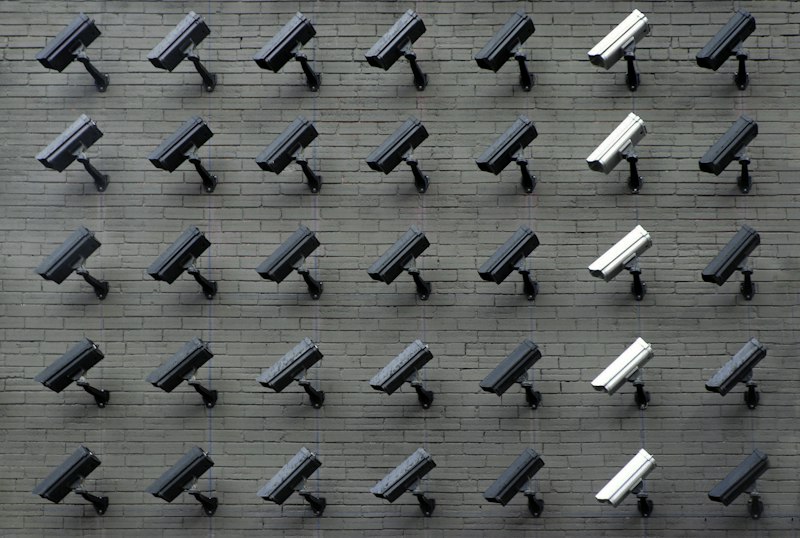
If you are designing a professional property layout with a modern CCTV network, Wi-Fi security cameras, or a smart doorbell, the internet connection is the backbone of that safety infrastructure. But exactly how much speed is required to keep those feeds running smoothly without buffering or dropping offline? Here is a comprehensive guide to understanding the bandwidth requirements for modern security systems.
Why Upload Speed is the Real Hero
Most internet plans are "asymmetrical," meaning the download speed is much faster than the upload speed. For example, a standard broadband connection might offer 100 Mbps download but only 10 Mbps upload.
While download speed is great for watching Netflix, your CCTV cameras are doing the exact opposite. They are capturing high-definition video data and pushing (uploading) it out to a cloud server or your smartphone. If your upload speed bottlenecks, your live feed will lag, and you might miss crucial moments.
Bandwidth Requirements by Camera Resolution
The exact amount of internet speed a security system needs depends heavily on the resolution of the cameras and the video compression technology (like H.264 or H.265) they use.
- 720p (Standard HD) Cameras: A single 720p camera generally requires about 1 to 2 Mbps of dedicated upload speed. This is manageable for most standard broadband connections, even if you have two or three cameras running simultaneously.
- 1080p (Full HD) Cameras: Currently the industry standard, a 1080p camera captures much sharper details, like license plates and facial features. You will need about 2.5 to 5 Mbps of upload speed per camera.
- 4K (Ultra HD) Cameras: High-end commercial and premium residential security setups are moving toward 4K. Because of the massive amount of data in a 4K image, a single camera can consume anywhere from 10 to 16+ Mbps of upload speed.

The "Multiplier" Effect in Multi-Camera Setups
A common mistake is forgetting to multiply the bandwidth requirement by the number of cameras on the network. If you install a 4-camera 1080p system, and each camera requires 3 Mbps, you need a constant, dedicated 12 Mbps upload speed just for the security hardware. If the total internet upload speed is only 15 Mbps, someone uploading a large file or backing up photos to the cloud on the same network will instantly cause the camera feeds to stutter or fail.
How 5G and Air Fiber are Changing the Game
Historically, providing enough upload bandwidth for multi-camera setups was difficult in areas without optical fiber access. This is where modern 5G Edge Networks and Air Fiber technology step in.
Unlike traditional copper connections, 5G and Air Fiber can deliver incredibly high, symmetrical (or near-symmetrical) speeds wirelessly. With 5G upload speeds frequently crossing the 50 Mbps to 100+ Mbps threshold, businesses and homeowners can now comfortably run entire arrays of 4K security cameras without laying a single physical cable to the ISP.
Latency (Ping) and Remote Control
Bandwidth isn't the only factor; Latency (Ping) is equally critical. If the security camera features two-way audio (allowing communication with a delivery driver or warning an intruder) or a Pan-Tilt-Zoom (PTZ) function, low latency is mandatory.
A high ping (above 100ms) means there will be a noticeable delay between speaking into a phone and the sound coming out of the camera. 5G networks and Optical Fiber naturally provide low ping, ensuring interactions are real-time.
Conclusion: Test the Network First
Whether you are protecting your own home or designing a professional layout for a commercial client, evaluating the network's true capacity is the crucial first step before installing a high-resolution CCTV system. Don't just rely on the download speed your provider promised—check the actual, real-time upload speed and ping.
You can use the 5G Speed Test Engine at the top of this website to accurately measure the connection. If the upload speed is struggling, it might be time to upgrade the plan or switch to a faster Fiber or Air Fiber solution before mounting those new cameras.